Changelog
43 updates
What's New
Product updates, feature launches and platform announcements, all in one place. Last shipped September 9, 2026.
Recently shipped
The newest releases across the platform, with the screens they change.
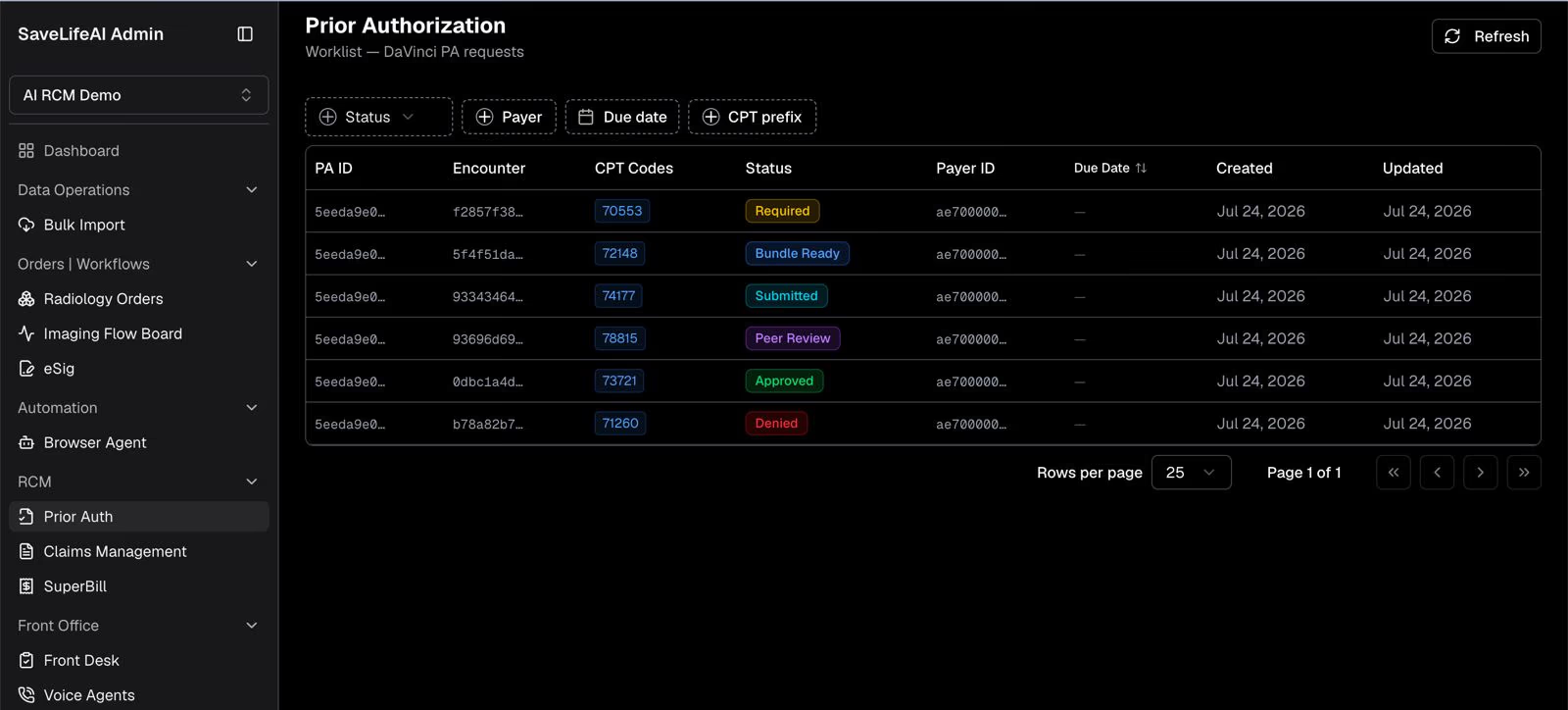
Global Inbox: what came in, by channel and intent
A new Back Office section in ConnectAI brings inbound patient communication and document arrivals into one view. Threads arrive tagged by channel and intent, anything the classifier was unsure about waits in its own Needs Triage view for a person, and front-desk staff reply inside the thread the patient already started. Reminder flows are built once as ordered steps, and inbound records activity across five channels sits in a single view.
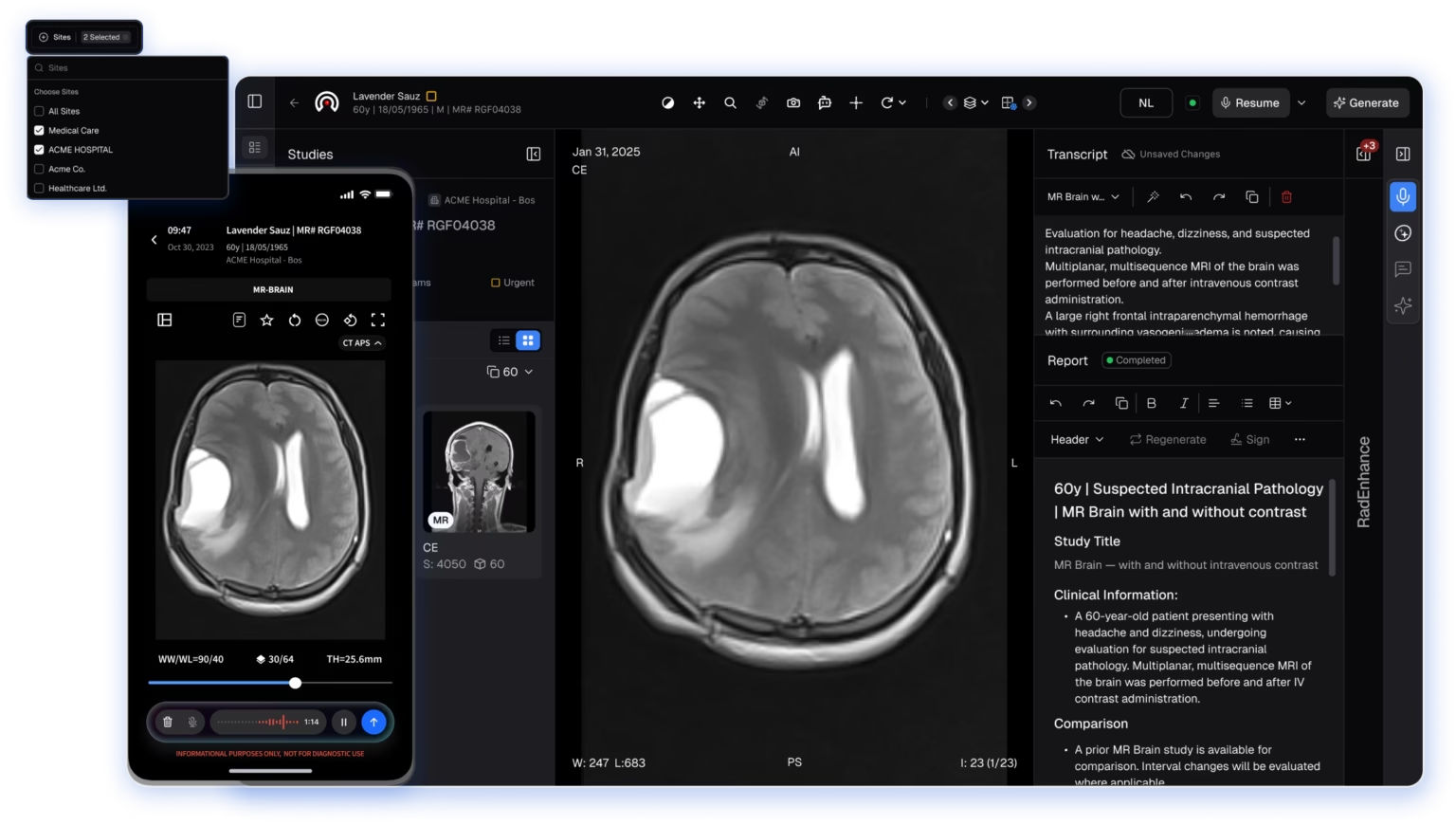
MonitorAI brings every AI result under review
MonitorAI holds AI results against the radiologist's completed report, so you can see how each model performs on your own studies. A review worklist for cases where AI and report disagree, case-level adjudication, per-site scoping, model cards, and exports for your QA meeting.
Subscribe a site to an AI model, not the whole system
In the RadioView.AI AI Marketplace the unit of the decision is now the site. Pick a site and the catalogue answers for that site, start a trial or request a subscription against it specifically, and read indication of use and regulatory status as columns of the catalogue. A subscription request lands as a pending approval rather than switching the model on.
Every update
Newest first. Choose a product to see only its releases.
Showing 9 of 43 updates, page 1 of 5
- Global Inbox: what came in, by channel and intentA new Back Office section in ConnectAI brings inbound patient communication and document arrivals into one view. Threads arrive tagged by channel and intent, anything the classifier was unsure about waits in its own Needs Triage view for a person, and front-desk staff reply inside the thread the patient already started. Reminder flows are built once as ordered steps, and inbound records activity across five channels sits in a single view.Update
- MonitorAI brings every AI result under reviewMonitorAI holds AI results against the radiologist's completed report, so you can see how each model performs on your own studies. A review worklist for cases where AI and report disagree, case-level adjudication, per-site scoping, model cards, and exports for your QA meeting.Update
- Subscribe a site to an AI model, not the whole systemIn the RadioView.AI AI Marketplace the unit of the decision is now the site. Pick a site and the catalogue answers for that site, start a trial or request a subscription against it specifically, and read indication of use and regulatory status as columns of the catalogue. A subscription request lands as a pending approval rather than switching the model on.Update
- Cleared AI modules screen the study before you open itAI Analysis runs three cleared AI Suite modules against a study as it arrives and surfaces what they flagged in the viewer, with a confidence score where the model reports one. Each module triages and prioritizes within its own cleared indication. One click drops a flagged result into your draft report.Update
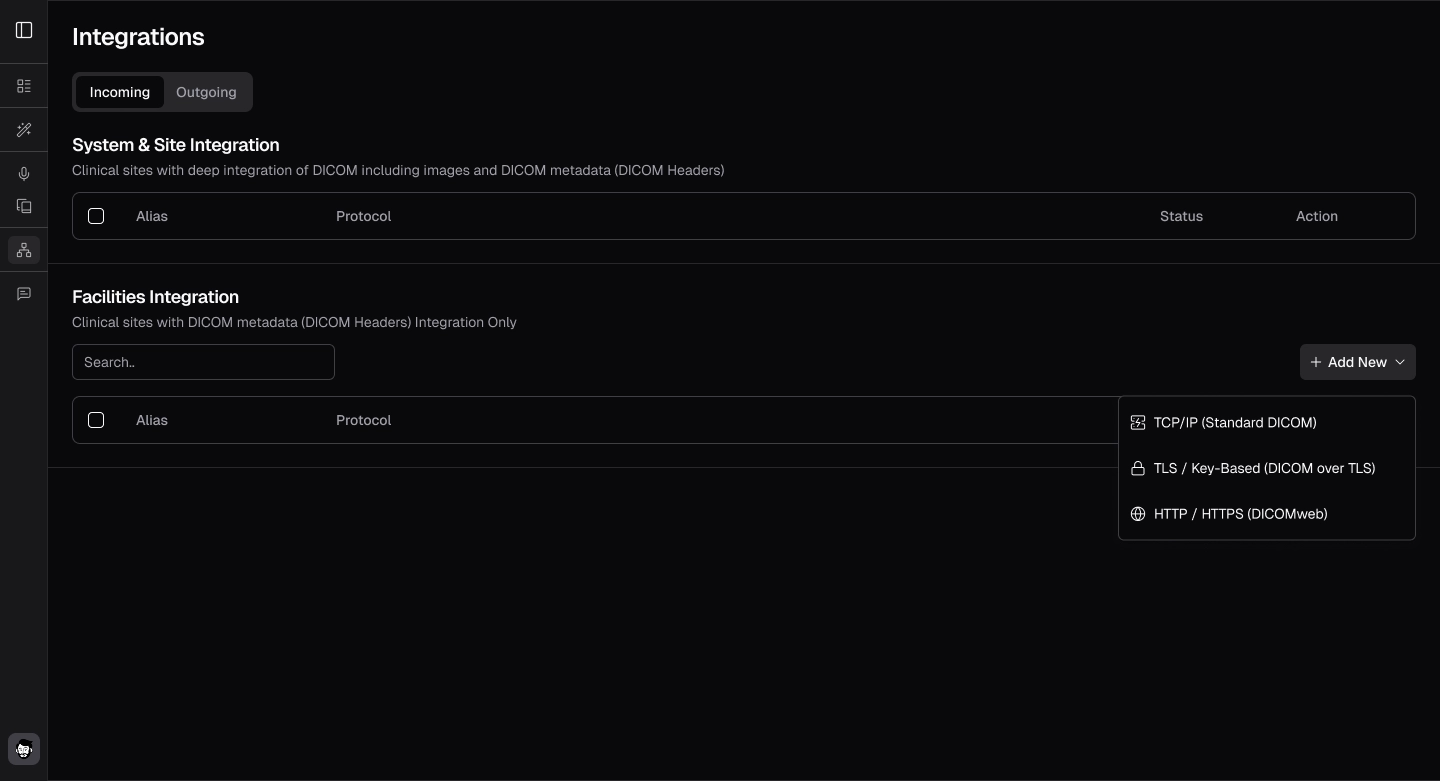 Send a study to an external PACSSend a study, or fifty, from RadioView.AI to an external PACS over standards-based DICOM. Destinations are saved once and verified with a C-ECHO before anything moves, batch transfers run in the background, and every send is logged per destination.Update
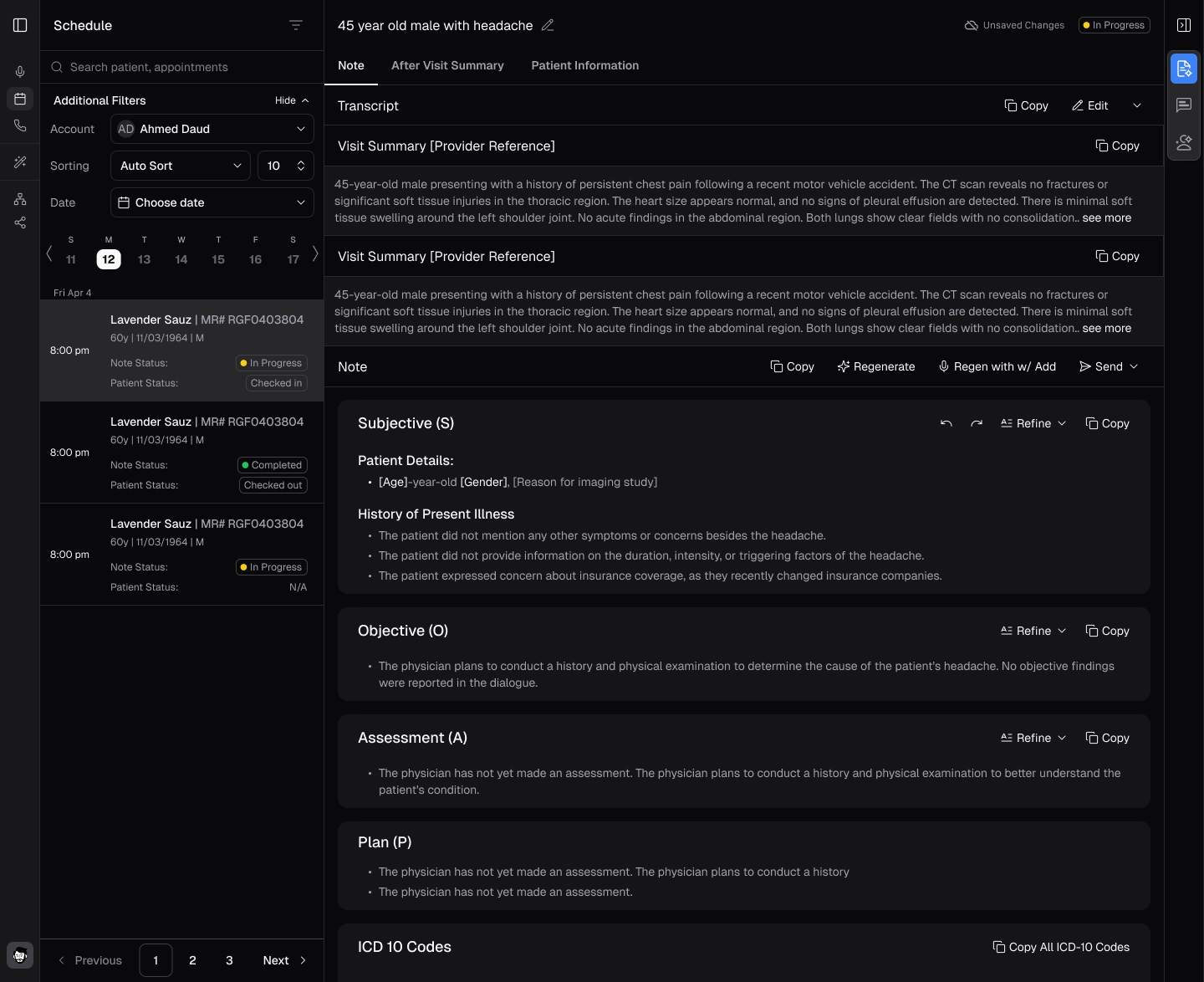 Custom Workflows: author care pathways, run them per caseCustom Workflows is AizaMD's clinical workflow engine for triage, ED disposition, and care coordination. Author a versioned pathway once — a lumbar-intake flow, a personal-injury track — then run it per encounter or per case, from intake to active treatment.Update
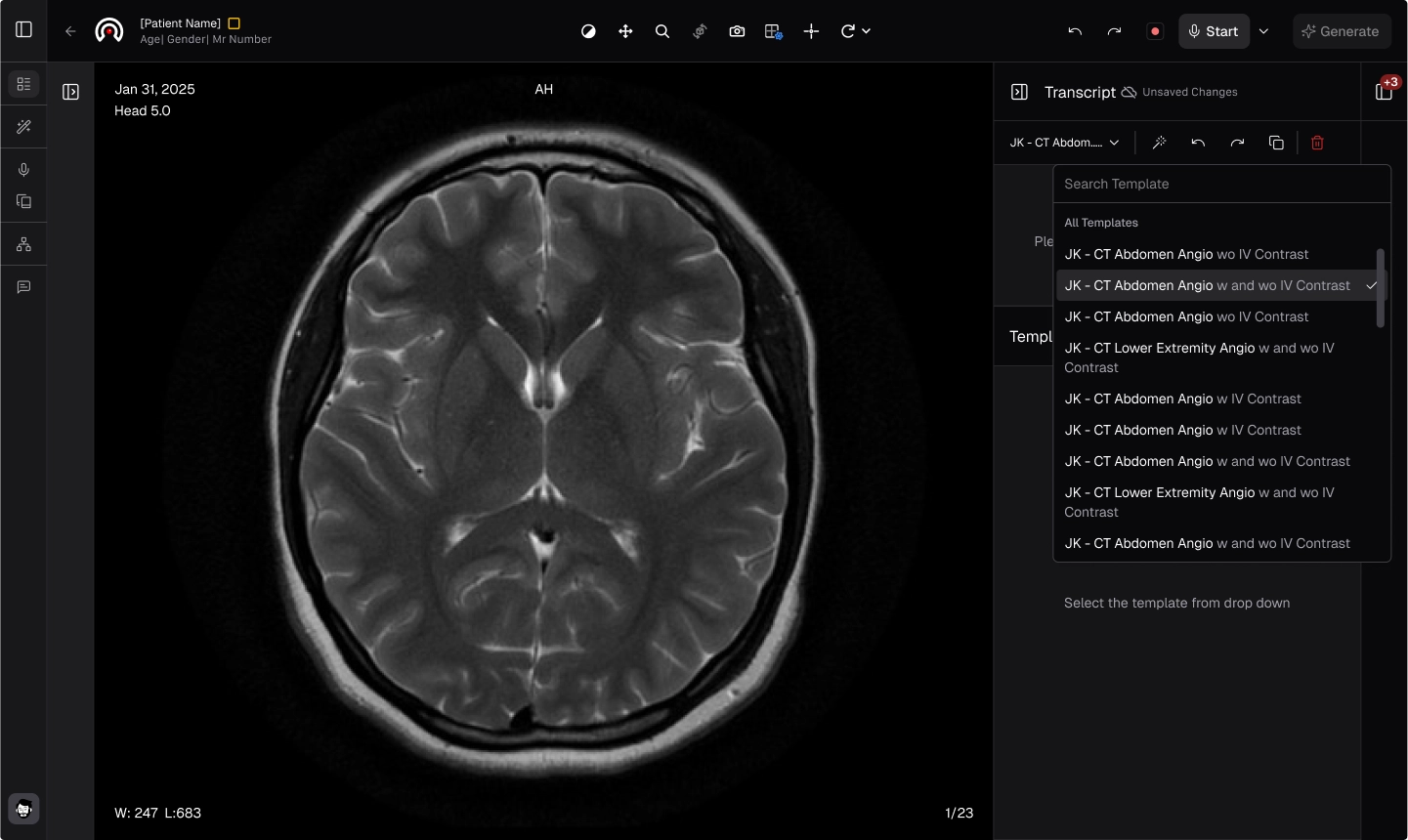 AI Hanging Protocols arrange the study before you open itAI Hanging Protocols automatically arrange radiology images by modality, body part, clinical context, and each radiologist's reading preference — learning from DICOM metadata and adapting as the data changes, so the study is laid out before you open it.Update
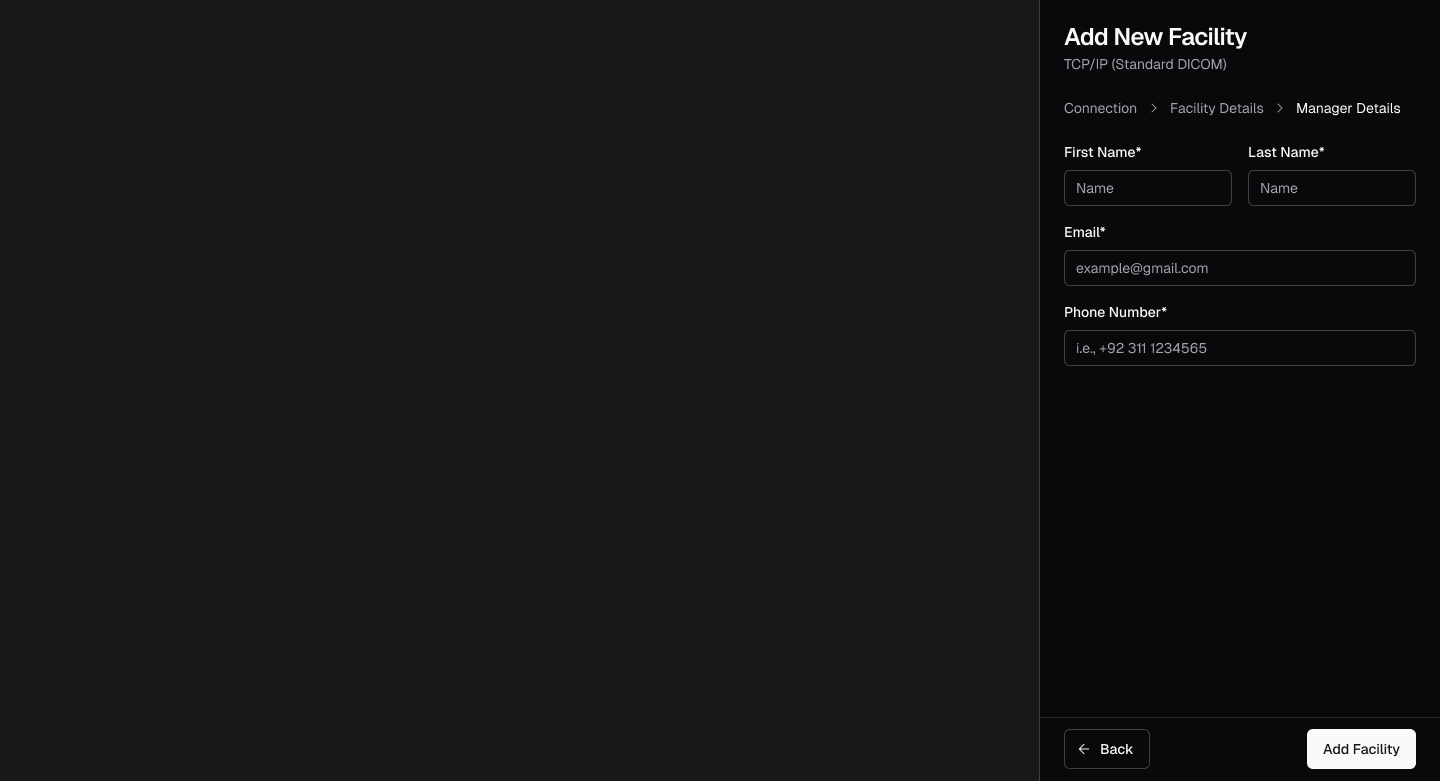 Worklist, ingestion and order push at the edgeThe ConnectAI on-site connector now brings the integration gateway to the edge: scanners pull the day's worklist over DICOM Modality Worklist, studies arrive by C-STORE, queries are answered by C-FIND, and HL7 orders flow to and from the RIS and EHR — no manual entry at the console.Update
- RadioView.AI receives FDA 510(k) clearance, K260936RadioView.AI has received FDA 510(k) clearance (K260936) as a Class II Medical Image Management and Processing System. This is a clearance for the imaging layer itself, not for an individual AI module: the web-based PACS that viewing, transmission, storage and visualization run on.Clearance