Guides for every product
Step-by-step guides for RadioView.AI, AizaMD and ConnectAI, with the screens you will see at each step.
51guides across 3 products
Pick your product
Each product's guides run in the order you will use them, from the first sign-in onward.
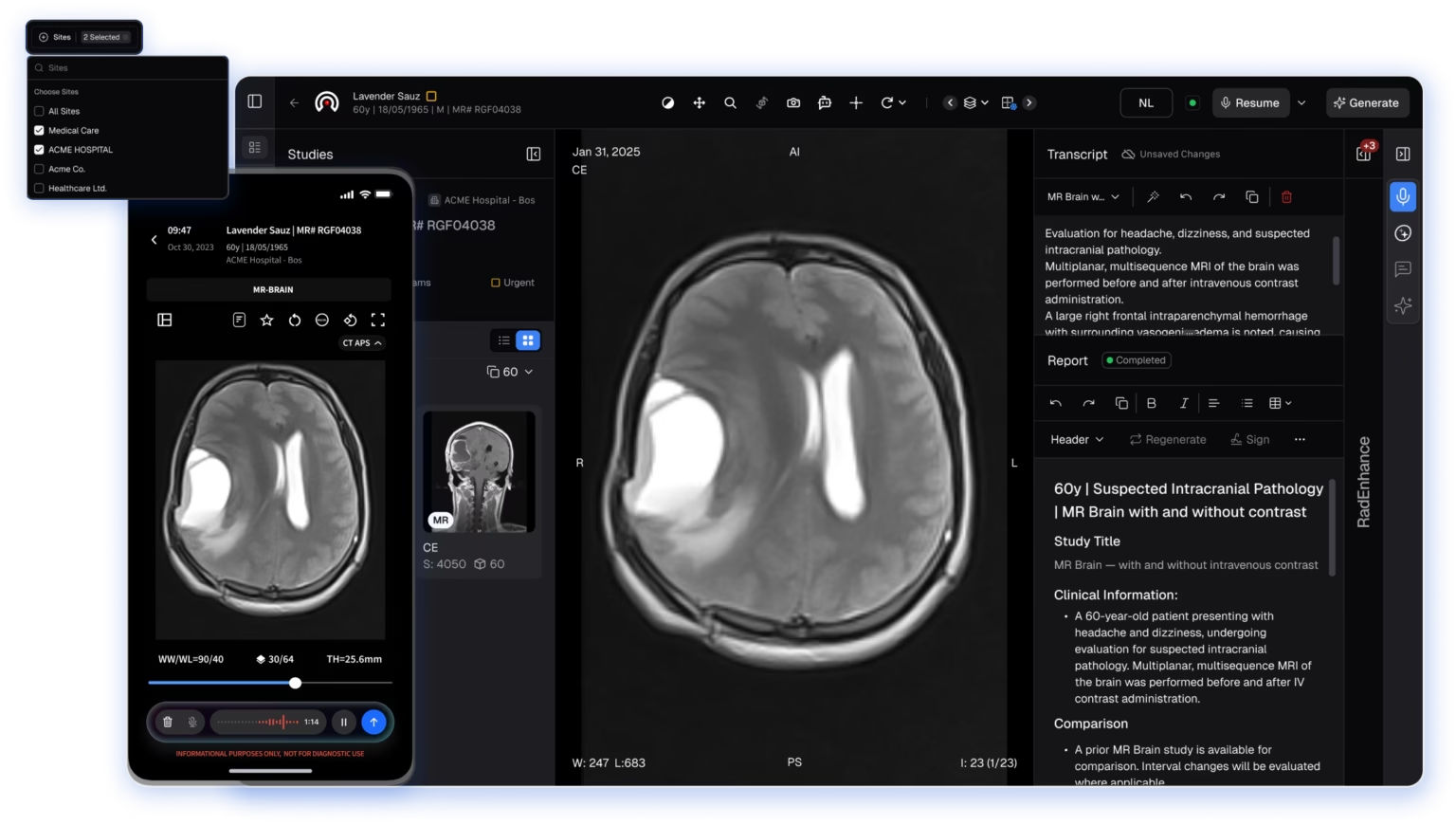
AI-driven radiology reporting: the DICOM viewer, AI reports, RadEnhance, custom templates, team collaboration and direct PACS integration.
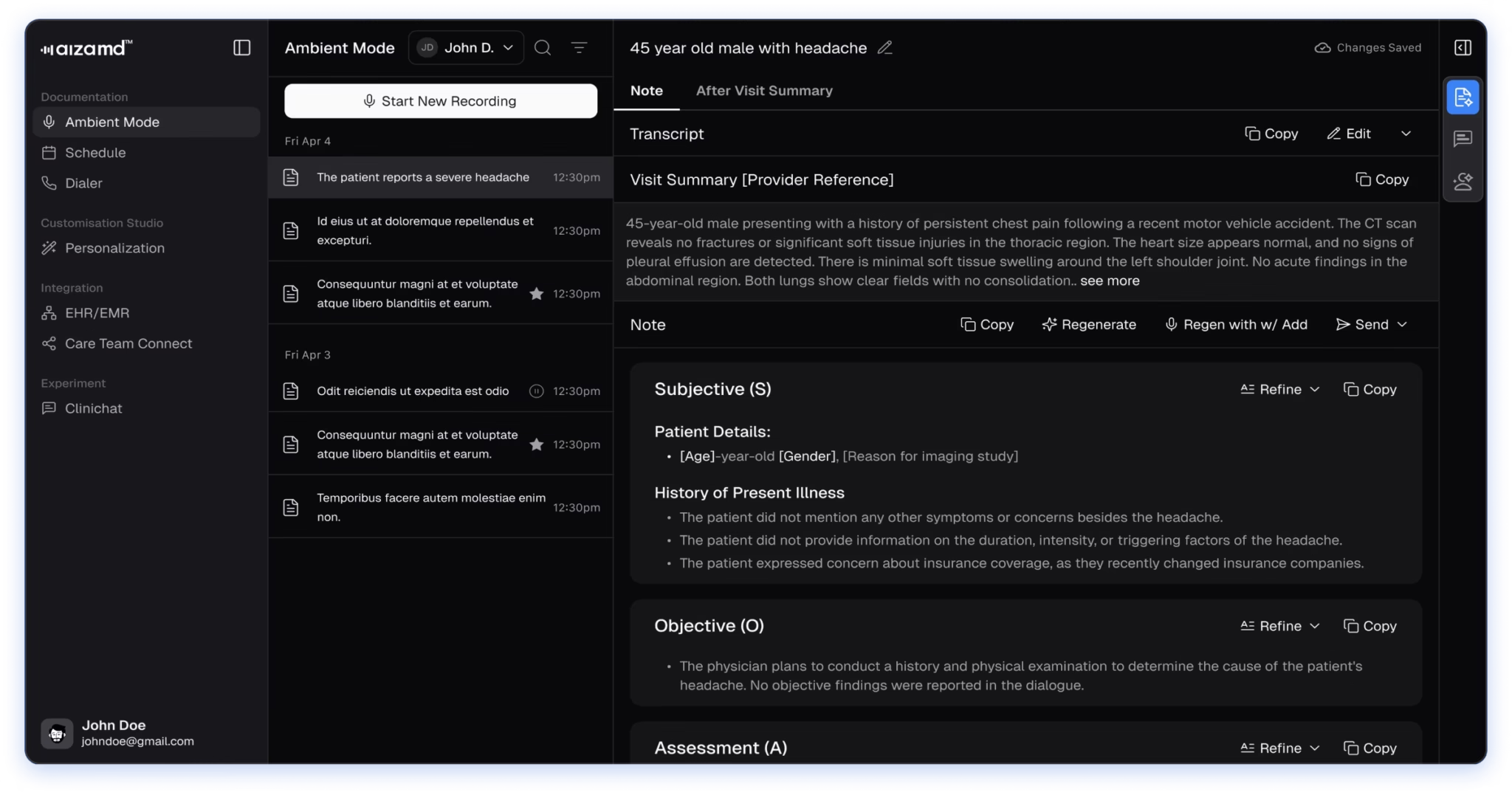
Install AizaMD and learn every module: Ambient Mode SOAP notes, Schedule, CliniChat, CareTeam Connect, Snippets and EHR/EMR integration.
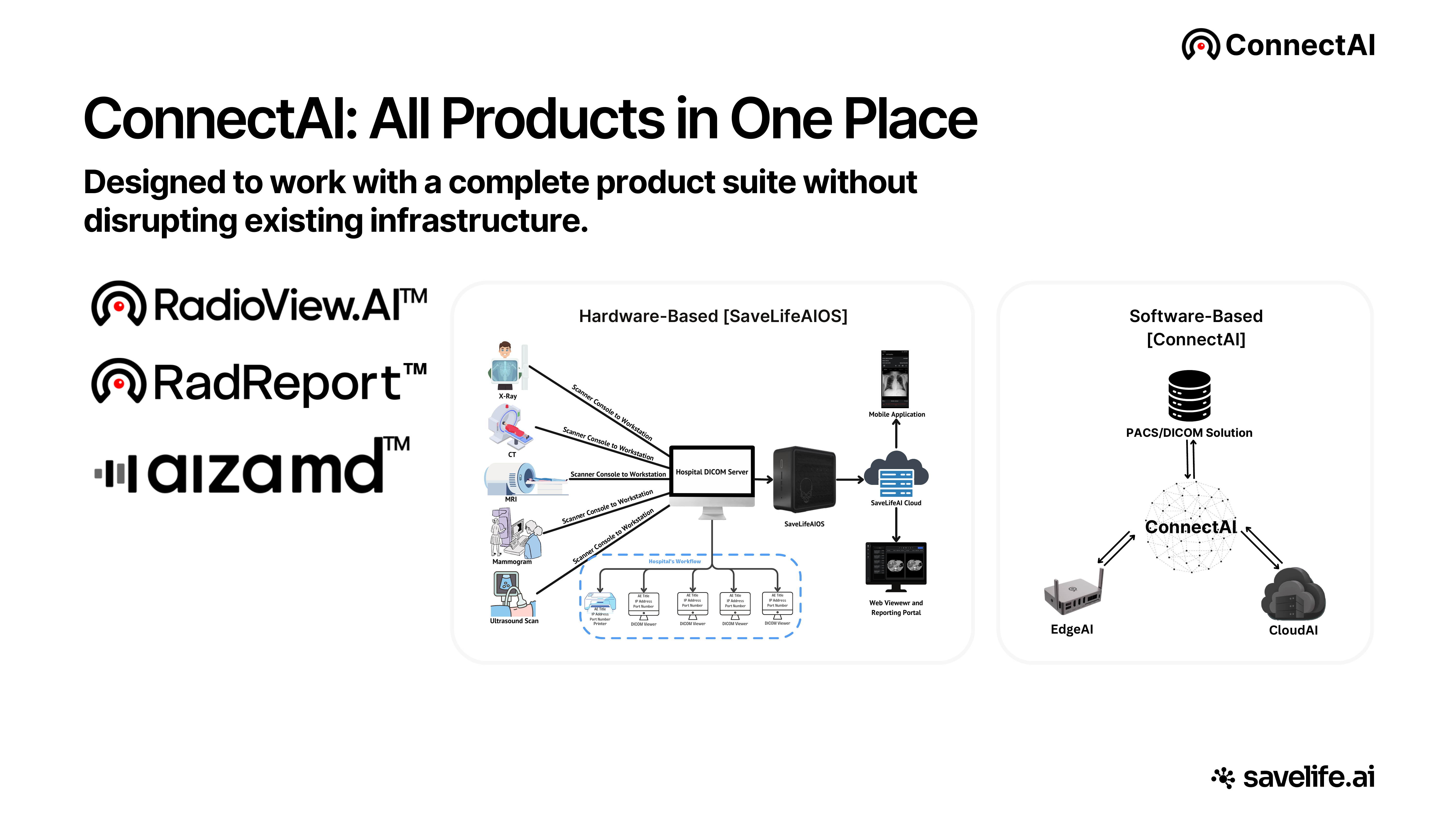
SaveLife.AI's integration gateway and practice management platform: PACS, EHR and DICOM connectivity plus a unified admin portal.
8 guides3 sections
Every guide
Search by task, or choose a product to narrow the list.
- Create Your AccountSign up, activate via magic link, verify with OTP, and set your password.

 RadioView.AI™Get Started
- Log In & PersonalizeFirst login, the welcome screen, and one-time specialty/subspecialty selection.RadioView.AI™Get Started
- Select StudiesOpen AI Viewer and pick the study to review.RadioView.AI™AI Viewer
- Generate AI ReportsChoose a template, dictate or type with ARRG, and generate a structured report.RadioView.AI™AI Viewer
- RadEnhance Smart SuggestionsApply Critical/Important/Recommended suggestions to the transcript before generating the final report.RadioView.AI™AI Viewer
- RadChat in AI ViewerAsk radiology questions in context from the AI Viewer sidebar.RadioView.AI™AI Viewer
- AI MeasurementsSegment lesions with point/box tools, get width/height/depth/volume, and add results to the report.RadioView.AI™AI Viewer
- AI ExtractPull structured data and weak labels from a report and export to CSV.RadioView.AI™AI Viewer
- Manual Reporting in AI ViewerSwitch to a workstation-style manual report with images alongside the editor.RadioView.AI™AI Viewer
- Sign, Share & Download ReportsRegenerate, sign electronically, add addendums, share, and download with or without header/footer.RadioView.AI™AI Viewer
- Choose a TemplateBrowse the template library, search, and favorite the ones you use most.RadioView.AI™Scribe Mode
- Record & Generate a ReportDictate with real-time transcription, stop recording, and generate the report.RadioView.AI™Scribe Mode
- Refine Your ReportFix grammar and structure with the magic wand; undo, redo, and copy.RadioView.AI™Scribe Mode
- Manual Reporting in Scribe ModeType or paste a report, add headings and tables, sign, and export.RadioView.AI™Scribe Mode
- Report on PACS StudiesFilter studies by facility and report on them with templates.RadioView.AI™Companion Mode
- Manual Reporting in Companion ModeSwitch a Not Started study to manual reporting; signing marks it Completed.RadioView.AI™Companion Mode
- Create a TemplateBuild a report template and fix formatting with Process Template.RadioView.AI™Customization Studio
- Manage TemplatesDelete or duplicate templates from the dropdown menu.RadioView.AI™Customization Studio
- Import a TemplateUpload existing templates, save to drafts, and format them.RadioView.AI™Customization Studio
- Custom VocabularyAdd medical or custom terms so dictation recognizes them in Scribe Mode.RadioView.AI™Customization Studio
- Share Access with Your TeamInvite members, confirm two-way access, revoke, and approve requests.RadioView.AI™CareTeam Connect
- Configure a Facility IntegrationAdd a TCP/IP or TLS DICOM connection and point your local PACS at RadioView.AI.RadioView.AI™PACS/DICOM Integration
- Send & Verify StudiesTransmit studies to the RadReport AE Title and confirm they appear in Companion Mode.RadioView.AI™PACS/DICOM Integration
- Profile, Support & FeedbackComplete your profile, contact support, and submit feedback or feature requests.RadioView.AI™Profile & Support
- Create Your AccountSign up from aizamd.ai or the web app, activate via the magic-link email, and set your password with OTP verification.

 AizaMD™Get Started
- Sign In with Institutional SSOIf your institution has single sign-on (SSO) enabled, you can authenticate through your institution's portal instead of a password.AizaMD™Get Started
- Set Up Your AccountPick your specialty, care settings, CliniEnhance, and note-format preferences on first login.AizaMD™Get Started
- Create Your First SOAP NoteRecord a visit, generate the transcript with ICD-10/CPT codes, review the SOAP note and After Visit Summary.AizaMD™Ambient Mode
- Manage & Regenerate NotesDelete notes, refresh a note's structure with Regenerate, or refine sections with Regen with Add.AizaMD™Ambient Mode
- Search, Filter & Share NotesFind notes by keyword, mark favorites, filter the list, and share via email or WhatsApp.AizaMD™Ambient Mode
- Smart Suggestions (CliniEnhance)Generate Critical/Important/Recommended suggestions, apply or skip them, and review the rationale.AizaMD™Ambient Mode
- CliniChat in Ambient ModeOpen the CliniChat panel inside Ambient Mode for contextual AI responses.AizaMD™Ambient Mode
- Change the System ThemeSwitch AizaMD between dark and light mode.AizaMD™Ambient Mode
- Troubleshooting RecordingsWhat to do when note generation fails or the connection drops mid-recording.AizaMD™Ambient Mode
- View & Manage AppointmentsBrowse EHR appointments by date and work them through Not Started → In Progress → Completed.AizaMD™Schedule
- Send Notes to Your EHRPush a completed note back to the connected EHR from the Send menu.AizaMD™Schedule
- Use CliniChatAsk practice-specific questions, review chat history, and upload images for multimodal answers.AizaMD™CliniChat
- Invite Your Care TeamShare note access with colleagues by email invitation.AizaMD™CareTeam Connect
- Manage AccessRevoke access and approve or deny pending collaboration requests.AizaMD™CareTeam Connect
- Create SnippetsBuild voice-triggered text snippets with Verbatim, Replace, or Enhance integration modes.AizaMD™Snippets
- Add Snippets with AIDescribe a snippet in plain language and let AI draft it.AizaMD™Snippets
- Use Snippets in Ambient ModeSay 'Insert Template [Snippet Name]' while recording to drop snippets into the note.AizaMD™Snippets
- Connect Your EHRLink Epic, Cerner, Athena, ECW, ModMed and more; verify status and disconnect when needed.AizaMD™EHR/EMR Integration
- PACS, EHR & DICOM ConnectivityConnection options, supported PACS vendors, EHR integrations, and DICOM PS3 compliance.

 ConnectAI™Integration Gateway
- DashboardCross-product usage, quality flags, and productivity insights in one pane.ConnectAI™Admin Portal
- Front OfficePatient records, referring physicians, and appointment scheduling.ConnectAI™Admin Portal
- Radiology OrdersOrder entry from patient details through billing and order tracking.ConnectAI™Admin Portal
- Practice ManagementTeam performance, priority worklists, smart assignment, and study docs.ConnectAI™Admin Portal
- Access ControlThe 4-tier RBAC hierarchy shared across all SaveLife.AI products.ConnectAI™Admin Portal
- Deployment OptionsHardware appliance (SaveLifeAIOS), cloud-native software, or hybrid.ConnectAI™Deployment
- Measurable ROIWhere ConnectAI is built to save time, and what to measure after you deploy it.ConnectAI™Deployment